
Parallel, power or predictive dialer: which one should you pick?
Three ways to automate outbound calls: how each one works, what it costs and which team it suits.

The starting point: manual dialing
Before talking automation, look at where you start. With manual dialing, the rep reads a number, types it, waits for it to ring, often lands on voicemail, hangs up, opens the next record and starts over. Click-to-call removes the typing: one click on the number in the CRM or the browser, and the call goes out.
That's a real comfort upgrade, but not a pace upgrade. The rep still drives every step alone, and most of the session goes to waiting instead of talking. That dead time is exactly what the three automated modes try to win back, each in its own way.
Full control over every call
No setup, no risk of dead air on pickup
Slow: typing, rings and voicemails add up
Fine for a handful of targeted calls a day, not for a prospecting session

The power dialer: one call at a time, no dead time
A power dialer automatically dials the numbers on a list, one by one. As soon as a call ends, the next one starts. The contact record shows up before the line even rings, giving the rep a few seconds to get in the zone and tailor the opener.
The principle stays simple: one call, one contact, one conversation. No double pickups, no dead air when the prospect answers. The gain comes from cutting the small tasks between calls, not from pushing the team harder. The trade-off: the rep still sits through every ring and every voicemail, so on a list where few people pick up, conversation volume hits a ceiling.
Ideal for qualified lists, follow-ups and high-value accounts
Prep time preserved before every call
One-click call outcome, synced to the CRM
Fewer conversations per hour than a parallel dialer on a cold list

The parallel dialer: several lines, one person on the phone
A parallel dialer dials several numbers at the same time for a single rep. With Flunter, up to five simultaneous lines. As soon as someone answers, the call is routed to the rep and the other lines drop. Voicemails are detected and filtered out: the rep only steps in when it matters, when a human is on the line.
It's the mode that delivers the most conversations per rep per hour, especially on a cold database where most calls go nowhere. The trade-off: less individual prep, since the record appears on pickup, and a setting you need to get right. On a highly qualified list, you lower the number of lines to avoid double pickups. On a cold database, you ramp up the pace to maximize contacts.
Up to 5 simultaneous calls with Flunter
Connected to the first human who answers, voicemails filtered out
A powerhouse on cold campaigns and large lists
Line count to tune based on list quality

The predictive dialer: a tool built for large call centers
A predictive dialer doesn't think at the scale of one rep, but of an entire floor. An algorithm estimates when each agent will free up and how many calls will connect, then places calls accordingly, often before an agent is even available. Answered calls are handed to whichever agent is free.
With high volume and many agents, that statistical bet keeps teams as busy as possible. But when the algorithm gets it wrong, a prospect answers while no agent is free: they hear dead air, a recorded message, or the call drops. That's called an abandoned call. It hurts the caller's reputation, and these practices are regulated in some countries. A predictive dialer also needs enough agents for the math to hold up, which makes it a poor fit for B2B teams of just a few reps.
Pace driven by an algorithm, not by the rep
Effective for very large rooms of agents
Risk of abandoned calls and dead air on pickup
Practices regulated in some countries

How to choose based on your list and your team
The right mode doesn't depend on market hype, but on two questions: how good is your list and how many reps are dialing. A cold database with few pickups calls for volume. A follow-up list, where every contact has history, calls for preparation.
Many teams combine both approaches: the parallel dialer to work cold volume, the power dialer for follow-ups and qualified accounts. The predictive dialer remains the domain of call centers running dozens of agents on massive campaigns.
Cold list, high volume: parallel dialer, lines maxed out
Warm list from your own leads: parallel dialer with fewer lines
Follow-ups and high-value accounts: power dialer
B2C floor with dozens of agents: predictive dialer

Why Flunter chose the parallel and power dialer
Flunter is built for B2B sales teams: SDRs, BDRs, full-cycle AEs, founders who still prospect themselves. For them, the KPI that matters is time spent in conversation with real prospects. Flunter's parallel dialer dials up to five numbers, filters out voicemails and connects the rep to the first person who answers, with a handoff designed to be near-instant. The power dialer takes over when every contact deserves some prep.
Either way, the rep stays in control of the pace, and every conversation is recorded, transcribed and summarized by AI, then synced to your CRM: HubSpot, Salesforce, Pipedrive, Close or Boond. No algorithm calling on your team's behalf, no call floor to staff: one list, one start button, and your reps are talking.
Parallel dialer with up to 5 simultaneous calls
Voicemail detection
Recording, transcript and AI summary for every call
CRM sync: HubSpot, Salesforce, Pipedrive, Close, Boond

Keep reading
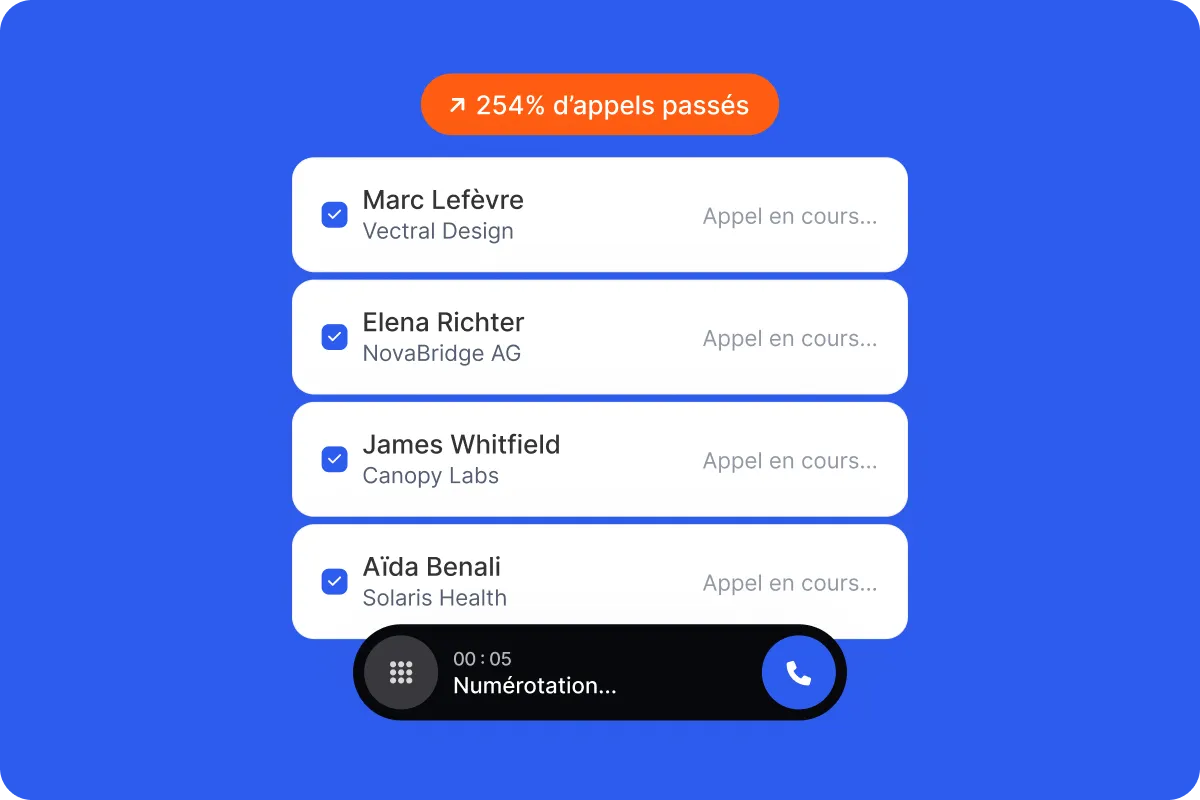 Flunter's parallel dialerUp to 5 simultaneous calls for one rep.Discover the parallel dialer
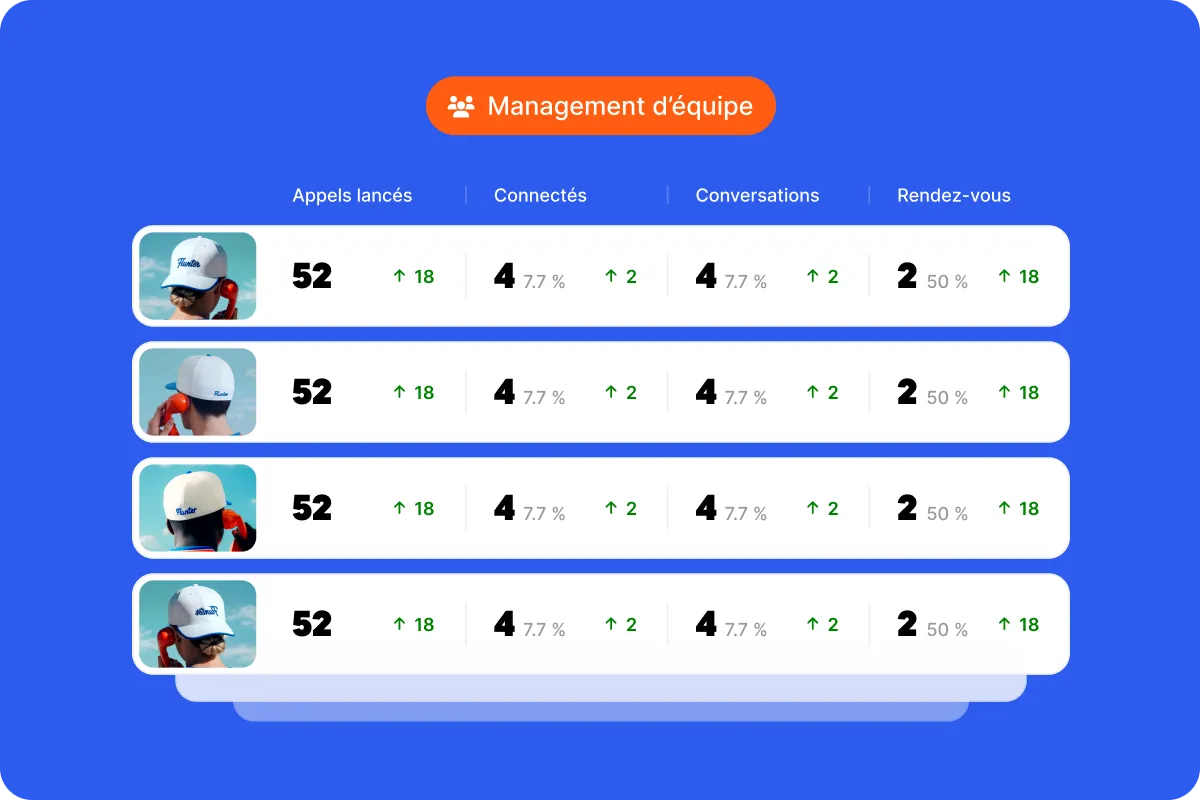 Flunter's power dialerOne call at a time, chained automatically.Discover the power dialer
 The parallel dialer guideHow it works, limits and how to choose.Read the parallel dialer guide
 The power dialer guideWhen one call at a time wins.Read the power dialer guide
 The sales calling glossaryThe 25 terms every rep runs into on the phone, explained simply.Read the glossary
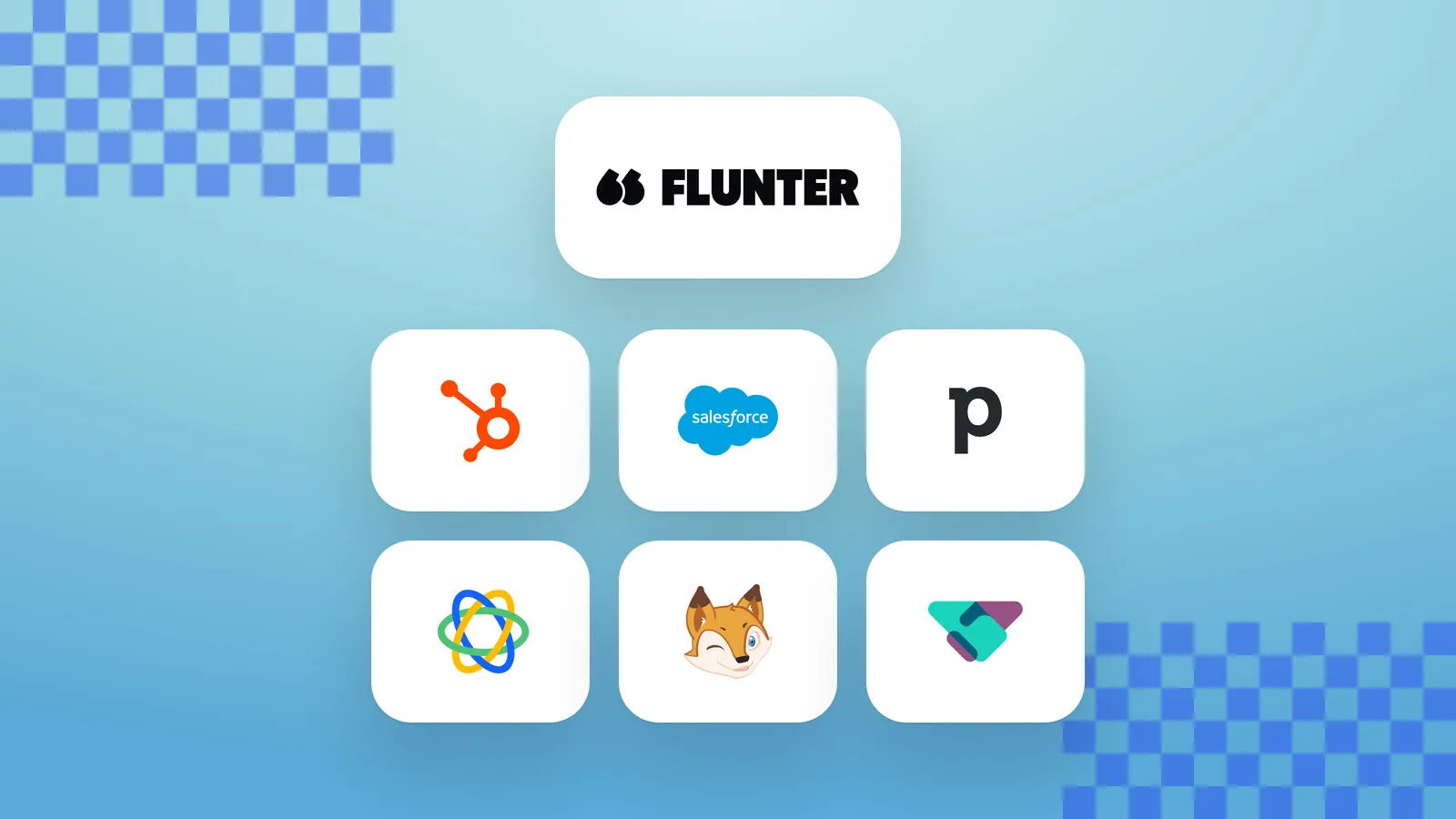 CRM integrationsHubSpot, Salesforce, Pipedrive, Close, Boond Manager and Odoo: every call lands in your CRM on its own.See CRM integrations