Freelancers and consultants: prospect between projects
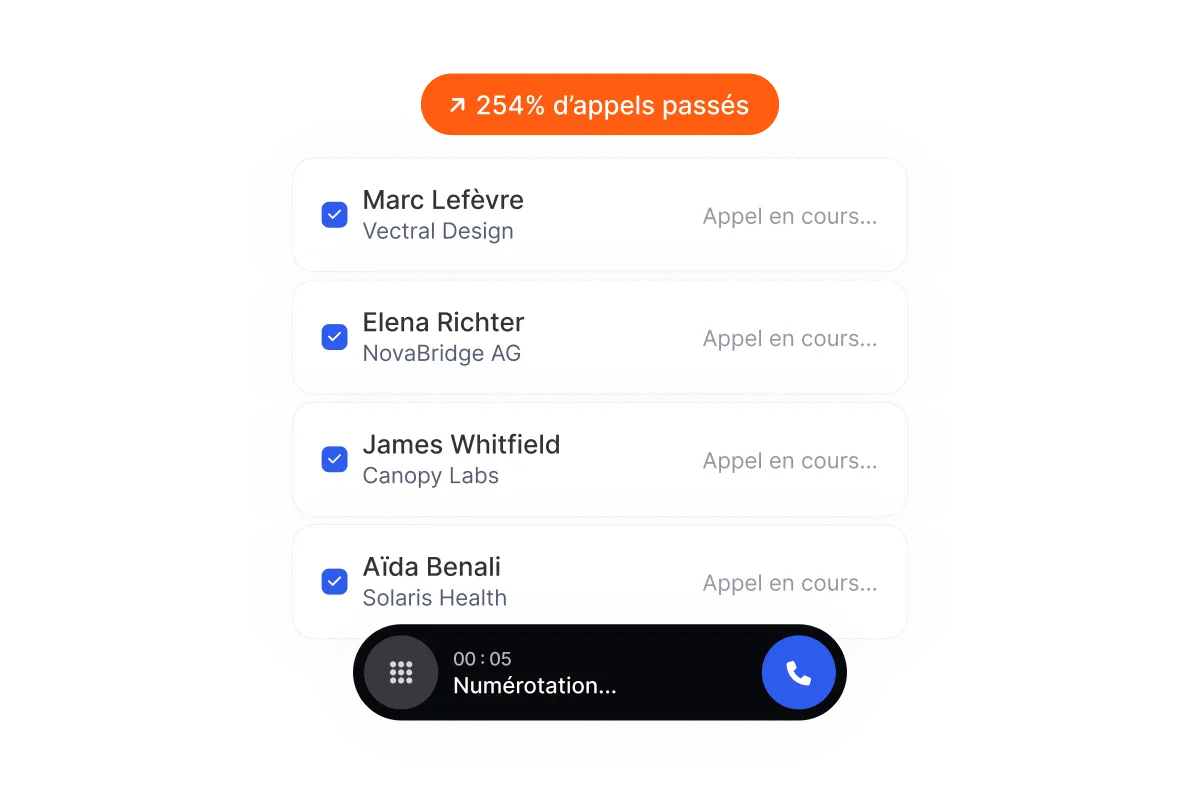
One hour blocked in your calendar and a list of contacts: Flunter dials up to 5 numbers at once and connects you to whoever answers. The rest of the time, you deliver.
An hour of prospecting that actually counts
When you work alone, prospecting comes after clients. You save an hour on Thursday morning, and much of it goes into phones ringing out.
The parallel dialer calls up to 5 numbers at once and only connects you to the ones who answer. Your time slot is spent talking, not waiting.
Consultants and freelancers looking for projects
Coaches and trainers selling to HR
Independent sales agents
Remember what the prospect told you
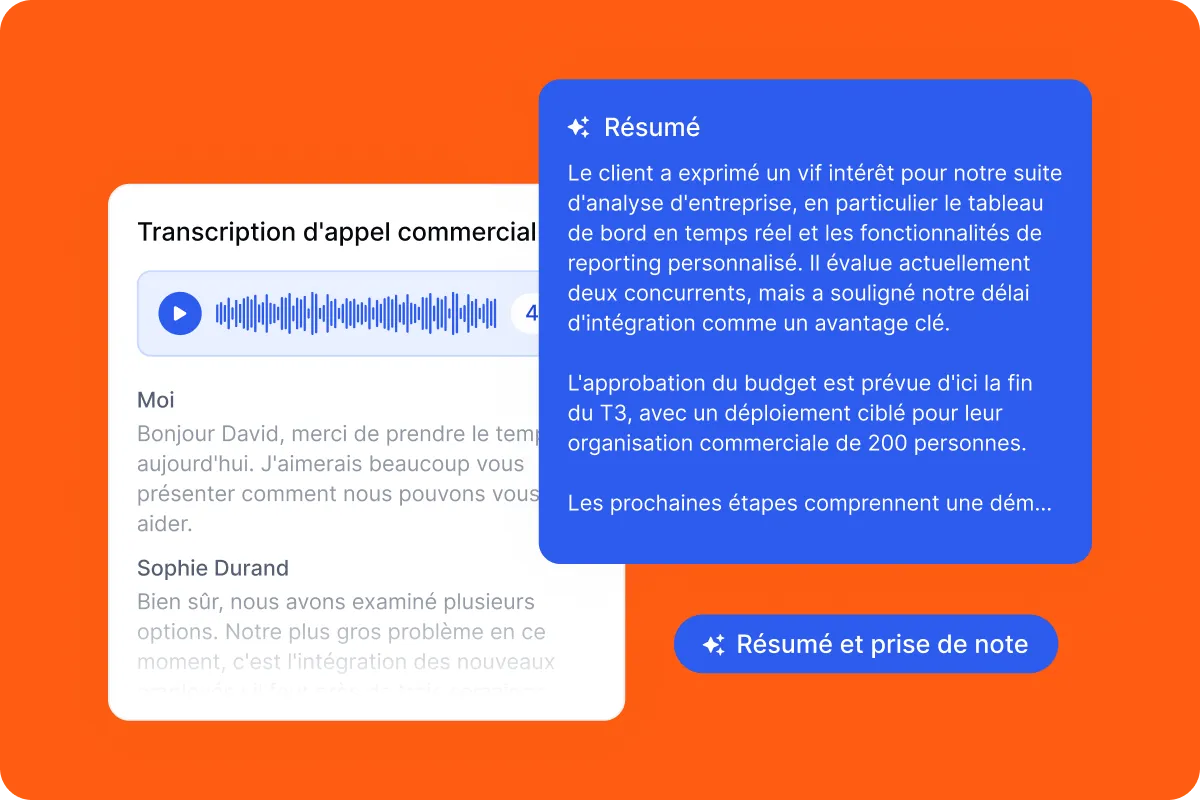
"Call me in September, we're reopening the training budget": the kind of line you jot on a sticky note and never find again.
Flunter records, transcribes and summarizes every call. Three months later, you reread the summary before calling and pick up exactly where you left off.
Your CRM up to date without evening data entry
Plenty of freelancers have a CRM they never fill in, because there's no time between deliverables.
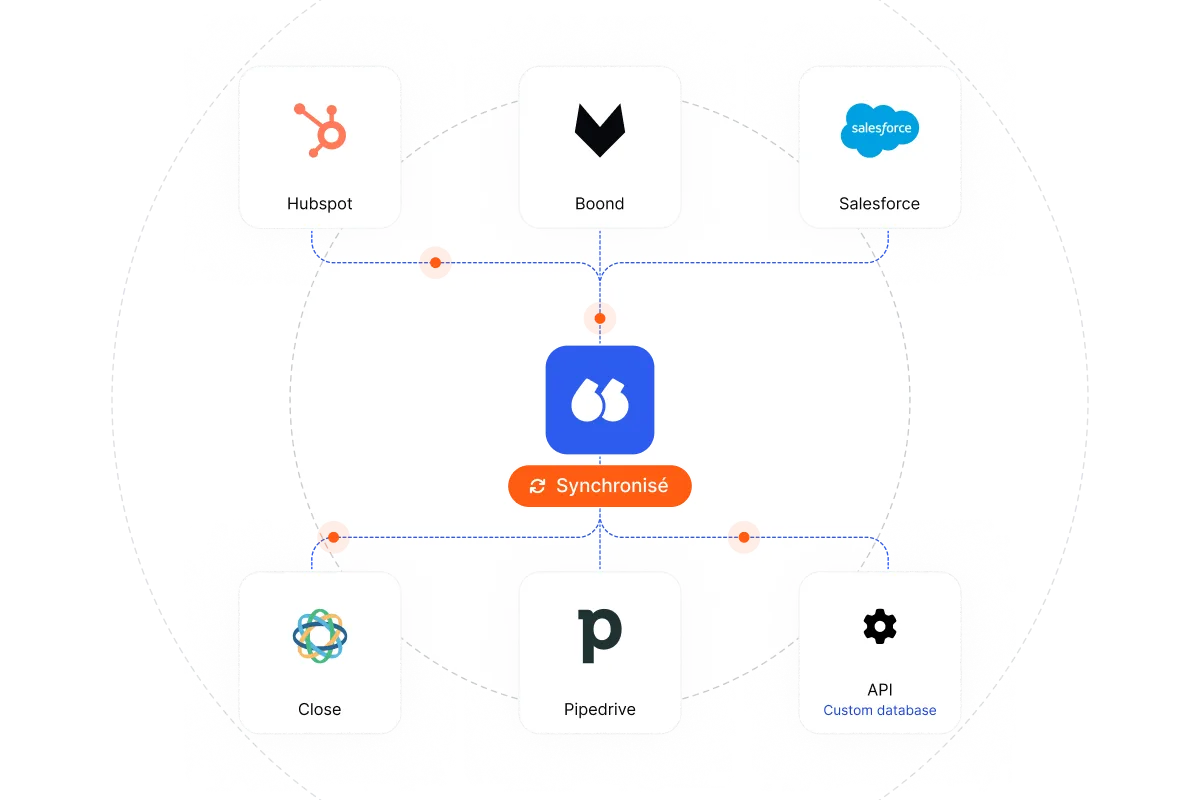
Flunter logs every call automatically, with its summary, whether you use HubSpot, Salesforce, Pipedrive, Close, Boond Manager or Odoo. You see at a glance who to follow up with and where each lead stands, without giving up your Sunday.
Your best leads are often follow-ups
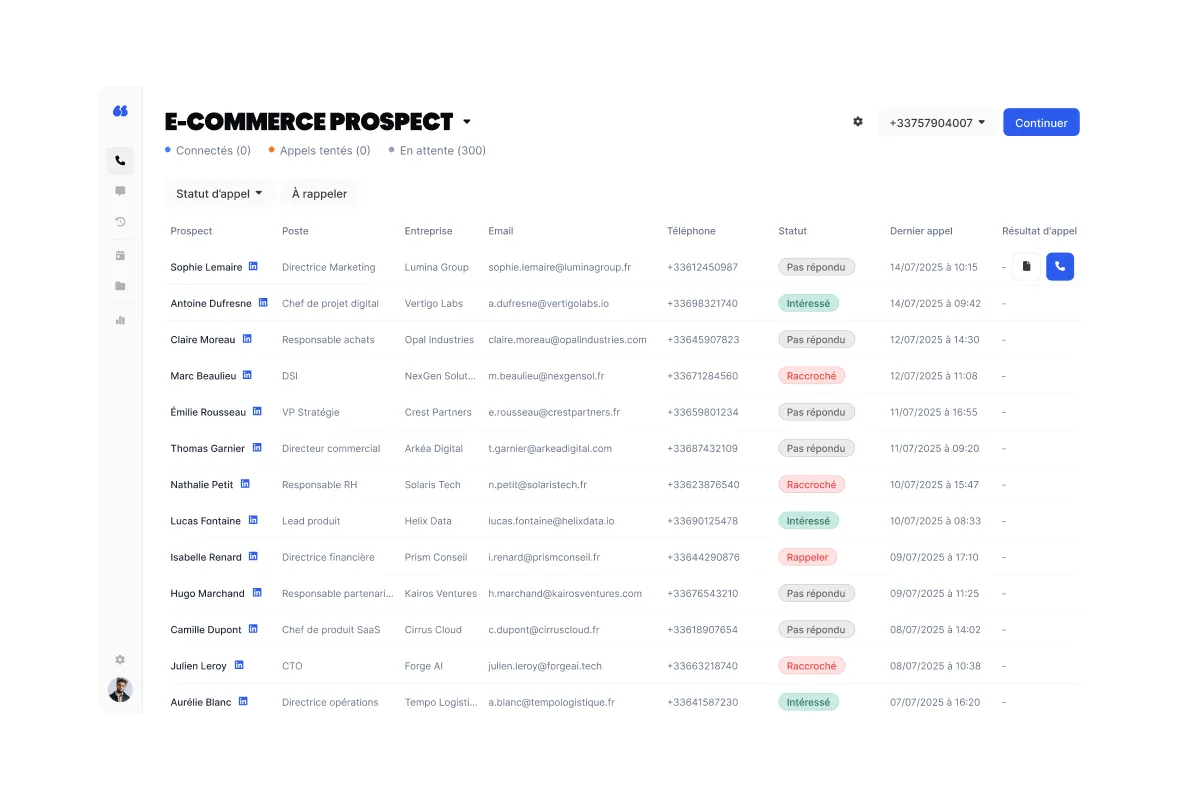
A former client, someone you met at a trade show, a prospect who said "not before next year's budget": they are the ones who sign fastest.
Put them in a list and call them back to back during your session. Every call gets an outcome, so you know who to call and when, without a spreadsheet on the side.
A business number instead of your mobile
Calling from your mobile means handing your personal number to every prospect, including the ones who will never become clients.
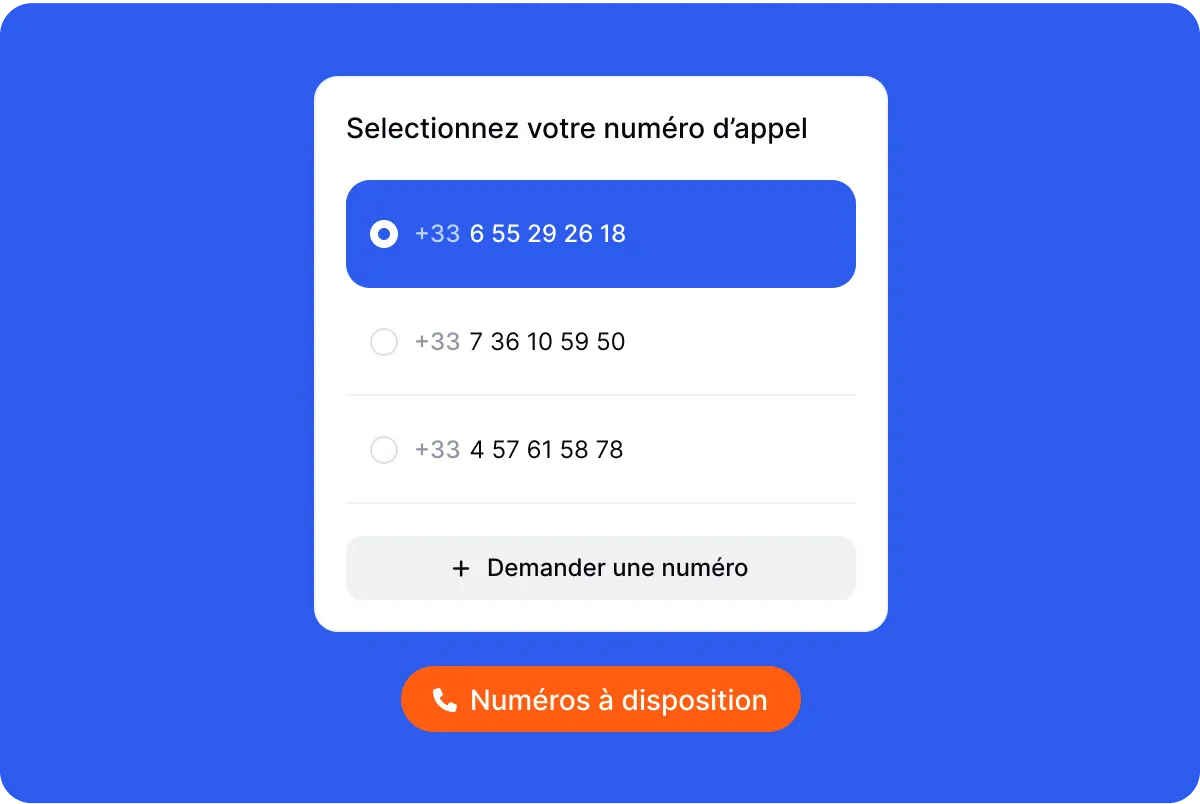
With Flunter, you choose the number that is displayed. Prospects see a business number that stays the same from one call to the next, and your personal line stays yours.
A tool that keeps up if you grow
Today you work alone. Tomorrow, you may bring in a partner or a business finder to prospect with you.
Flunter works for one person or a team: the same lists, the same recordings, stats for each rep. What you set up on your own still works the day you start delegating.

Keep selling time apart from project time
The classic trap: prospecting a little every day between deliverables, and never really getting into it.
Block one or two short slots a week, start your list and let Flunter run through the calls. When the slot ends, you go back to client work with a clear head and your follow-ups already noted.