The power dialer that keeps your sales reps on the phone
Every number typed by hand, every pause between calls, every back-and-forth with the CRM eats into your selling time. Flunter's power dialer removes that friction. Load a list, and it dials the numbers one after another, showing the contact record on screen before the line even rings. Your team stays focused on what really matters: the conversation.
Dial without ever touching the keyboard
The power dialer concept is simple. Import a list from a file or straight from your CRM, and Flunter calls each contact in order. As soon as one call ends, the next one starts. No more copying a number, pasting it, checking the country code or hanging up manually. Your reps keep their hands free to take notes and listen to the person on the line.
This sequential dialing mode is ideal for calls where every prospect deserves some prep. You see their name, company and history before they pick up, giving you a few seconds to get in the zone.
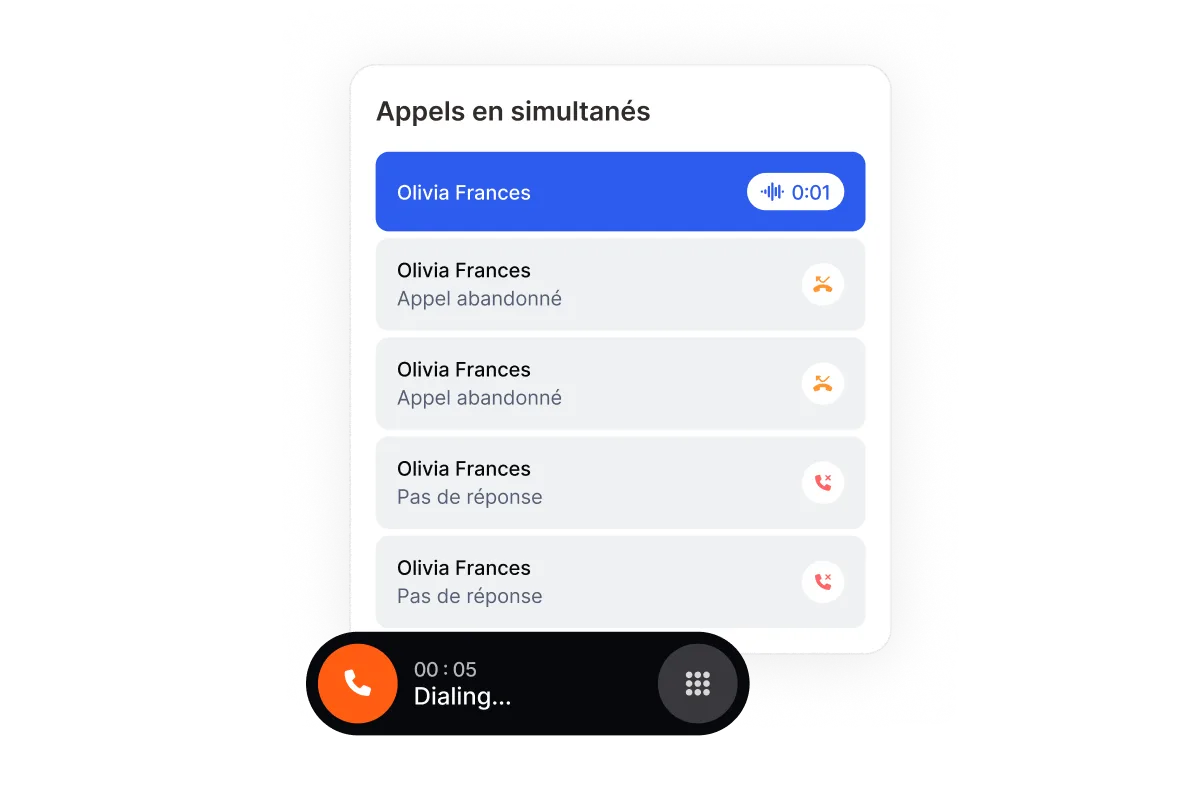
Make dozens more calls every day
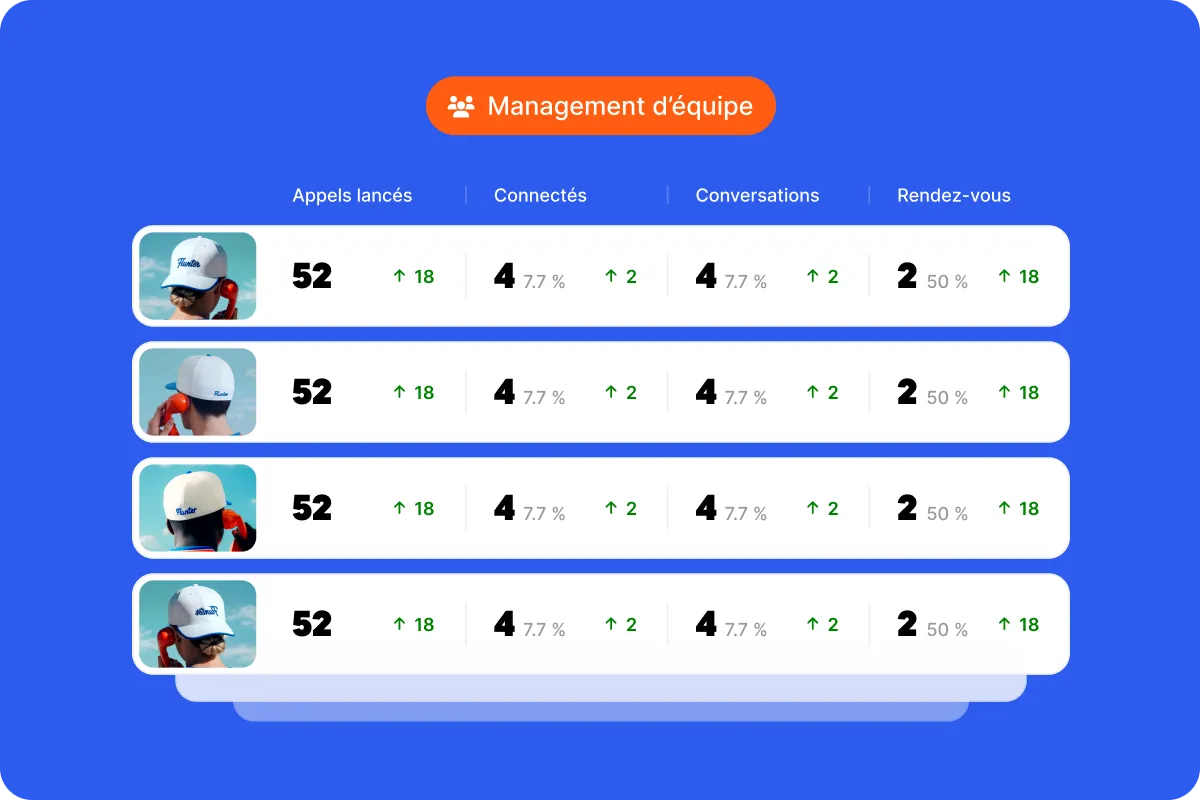
A rep dialing by hand loses several hours a week, on average, to busywork. By automating dialing, the power dialer wins back that time and puts it into real conversations. Teams that switch from manual dialing to Flunter see a clear jump in connected calls per day, without longer hours or a forced pace.
The gain doesn't come from putting more pressure on your teams. It comes from eliminating the micro-downtimes that, added up, eat a huge chunk of a prospecting day.
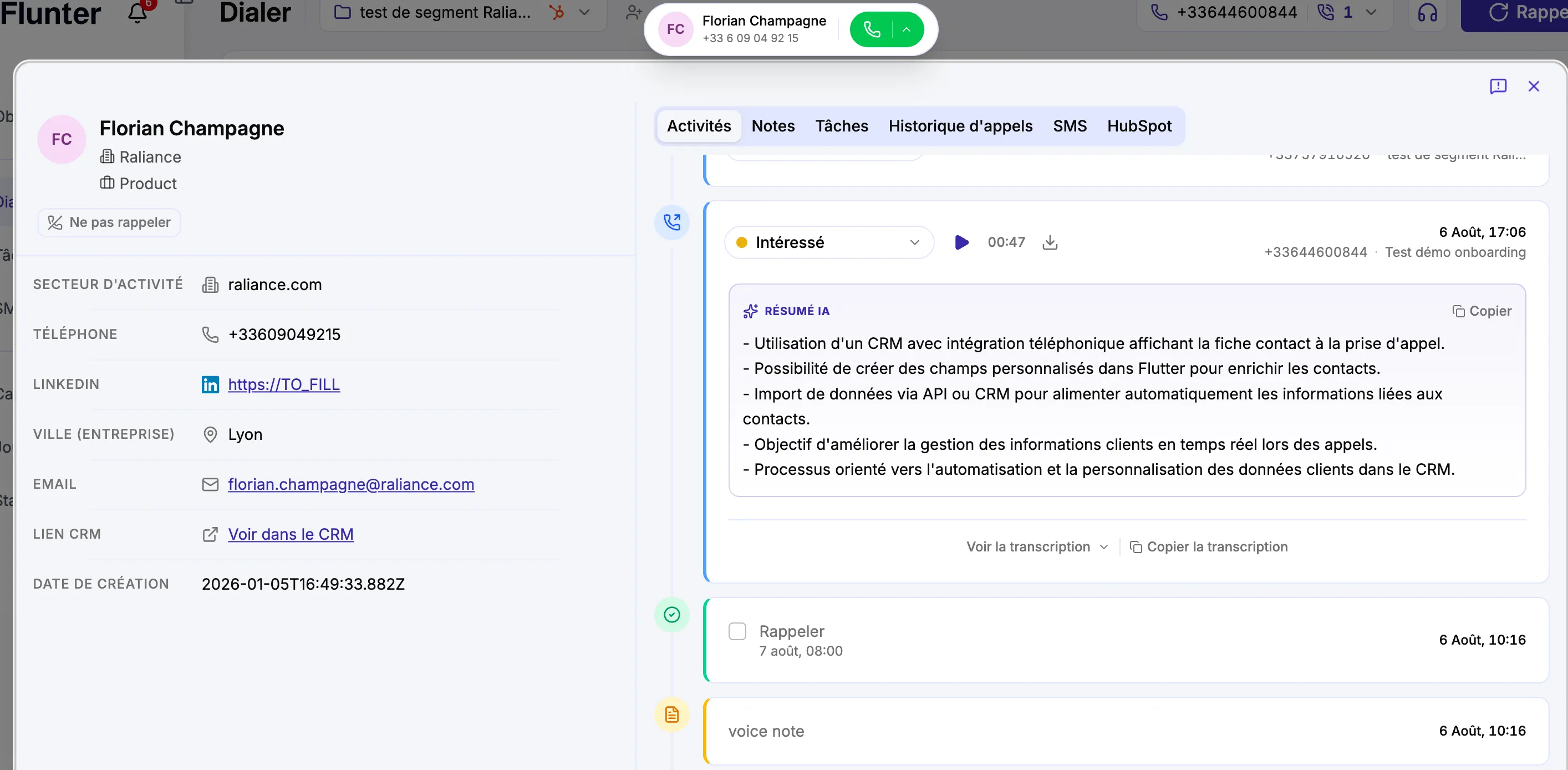
A prospect profile ready before every pickup
Calling fast is pointless if you're calling blind. Before each connection, Flunter displays the contact's key details: title, company, last interaction, notes from previous calls. You start the conversation with the right context, without digging through another tab while the prospect waits.
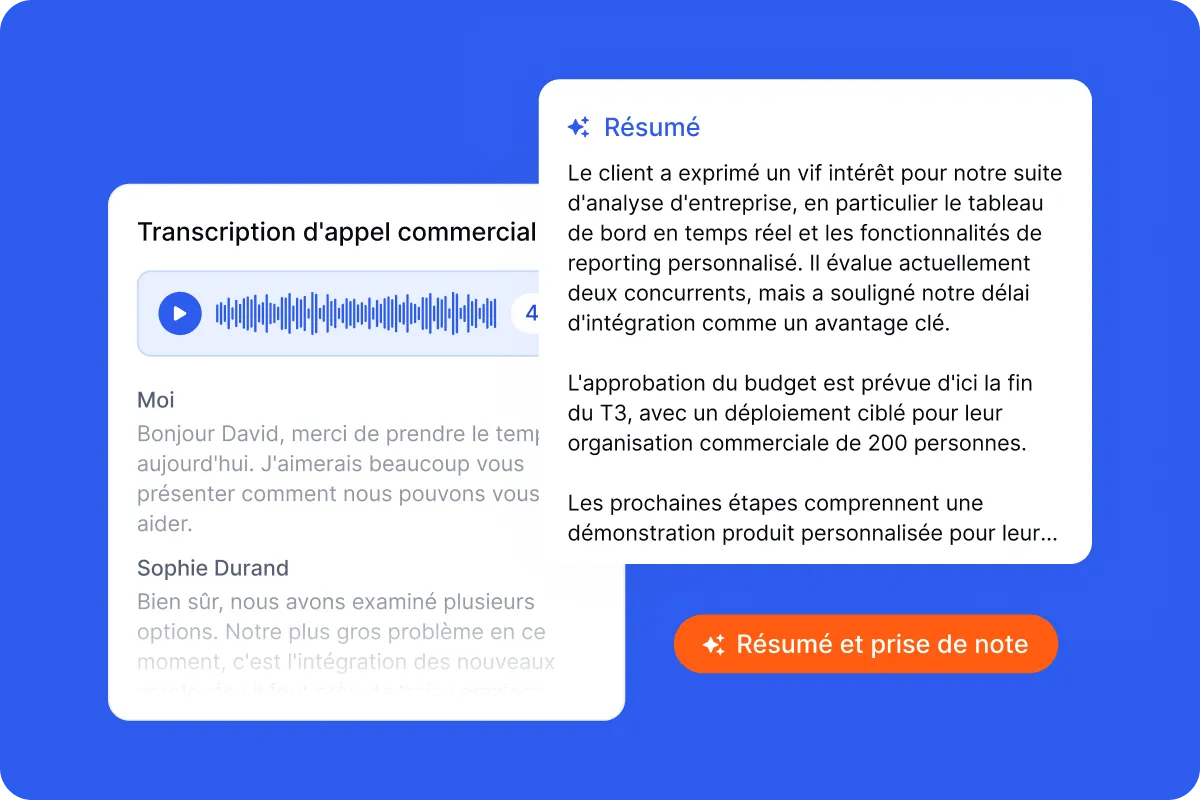
Call outcomes in one click
At the end of each call, log the outcome in one click: callback to schedule, meeting booked, not interested, wrong number. The call outcome syncs automatically to your CRM and triggers the next step. Nothing to re-enter, and your reporting stays accurate with zero admin work.
A number prospects trust
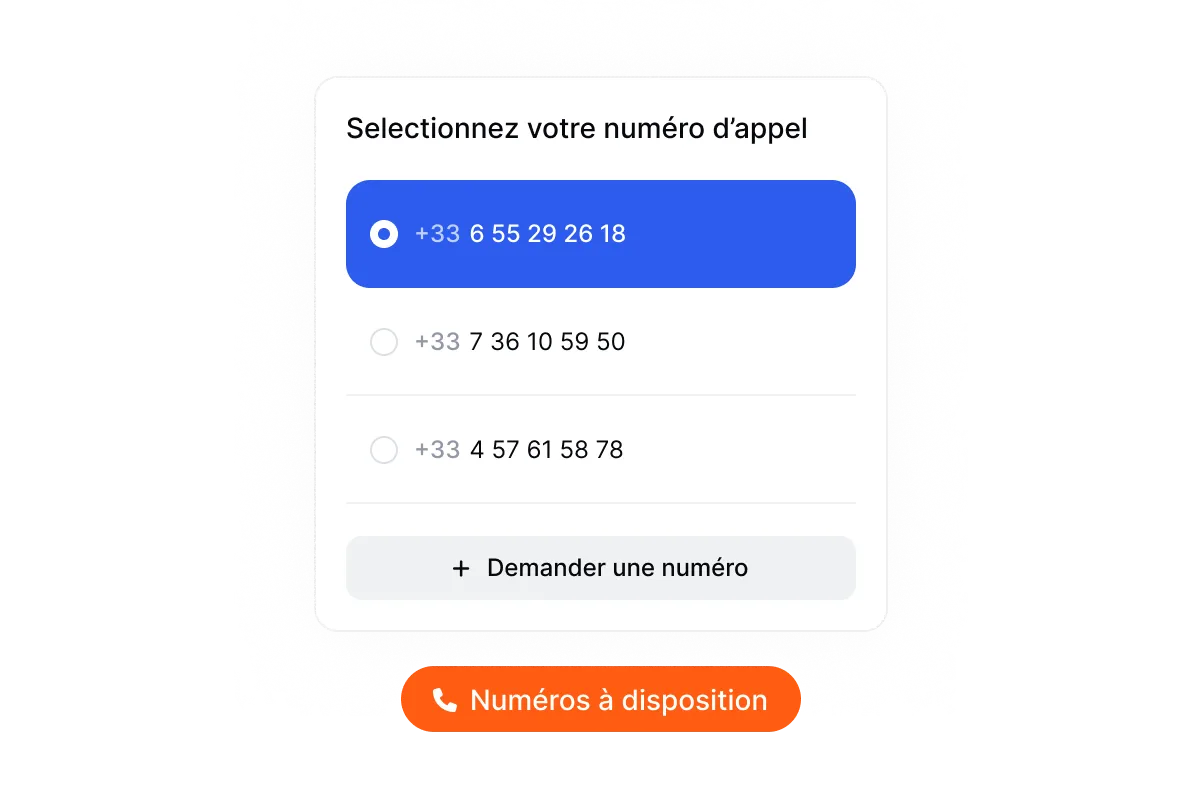
A good dialer also protects your reputation. Flunter lets you get mobile or local numbers that match your needs and monitors your numbers' health to keep them from being flagged as spam. Your prospects pick up more with the right caller ID.
A power dialer connected to your tools
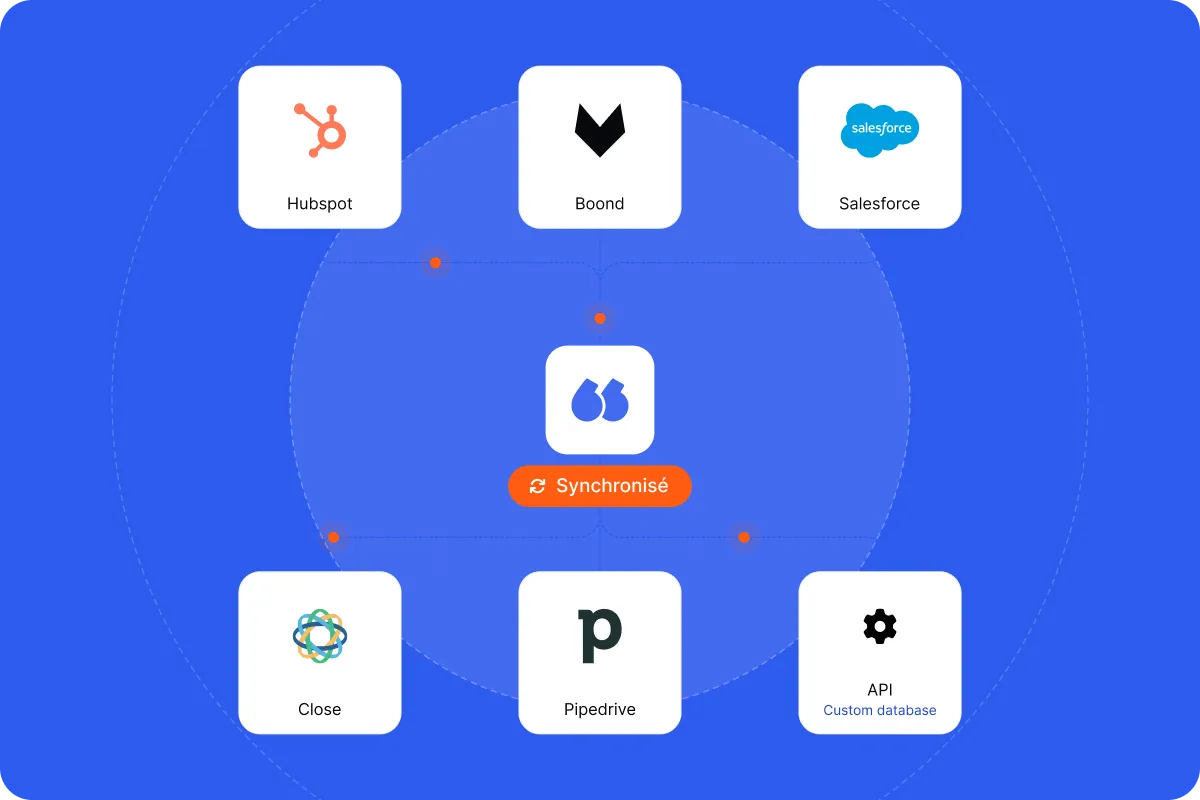
Automated dialing is only valuable if the data follows. Flunter syncs with the CRMs your teams already use, so every call, note and disposition lands in the right place. Your reps call, the tool logs, your pipeline stays up to date.
Up and running instantly
Adopting a new prospecting tool shouldn't sideline your team for weeks. With Flunter, you start from a list, connect or import it, and launch your first call session the same day. Your reps keep their habits and their number; automated dialing simply layers on top. There's no hardware to install and no complex setup to master before the first calls go out. That simplicity matters: the faster the ramp-up, the faster the time saved on dialing turns into conversations and meetings. You see the power dialer's impact within the first hours, with no awkward transition period or discouraging learning curve for the team.